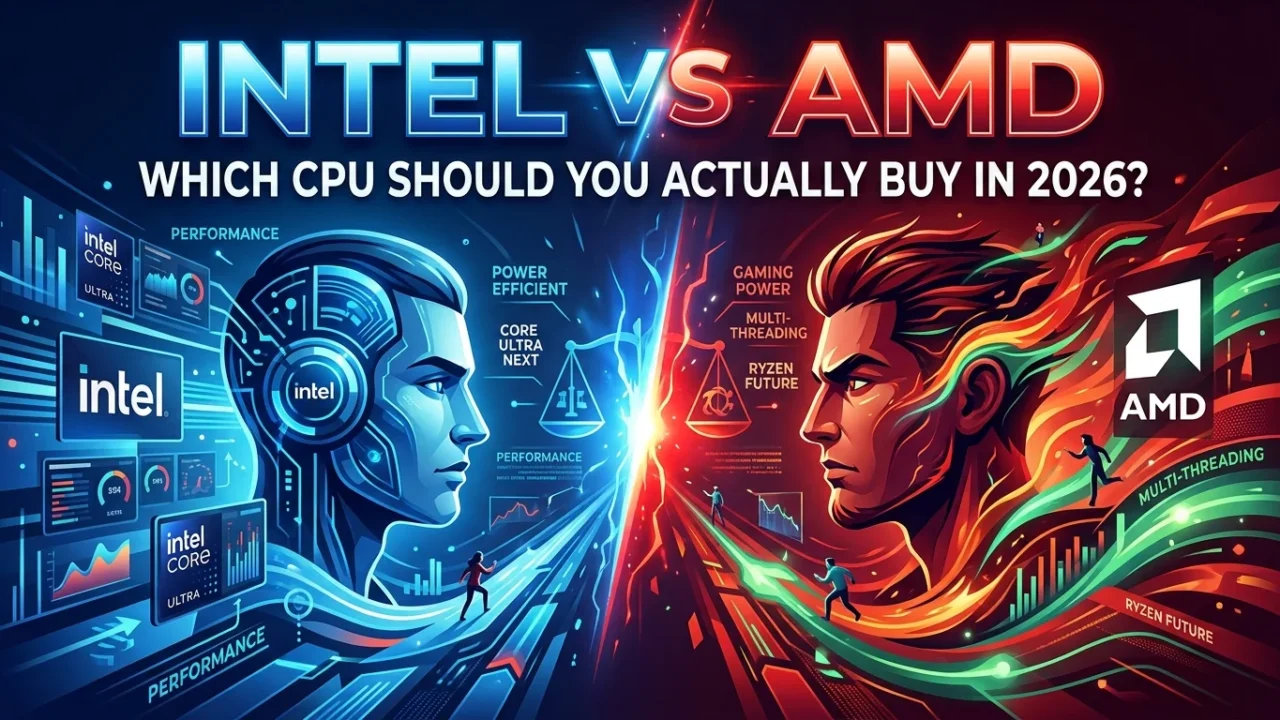
Intel vs AMD: Which CPU Should You Actually Buy in 2026?
Let’s skip the preamble. If gaming is the only thing you care about, buy AMD. Specifically, buy something with X3D in the name. That’s not brand loyalty talking. That’s just where the benchmarks keep landing, year after year, test after test.
But you already knew there had to be a catch, right? Otherwise this would be a one-sentence article.
Why AMD Keeps Winning the Gaming Fight
The short version: cache. The longer version is more interesting.
AMD’s X3D chips stack an extra chunk of L3 cache directly onto the processor die — physically, on top of the cores. On something like the Ryzen 7 9800X3D, that brings total L3 cache up to around 96MB. Games love this. A huge chunk of what makes a game feel smooth isn’t raw clock speed, it’s how often the CPU has to go fetch data from slower system memory instead of finding it sitting right there in cache. More cache means fewer of those slow trips. Fewer slow trips means steadier frame times.
Tom’s Hardware has run hundreds of hours of testing across dozens of chips and keeps landing in the same place: the 9800X3D sits at the top of their gaming hierarchy, and it’s not particularly close. Outlets like ArsenalPC and PC Game Check have clocked the gap against Intel’s flagship Core Ultra 9 285K at somewhere between 25 and 35 percent in gaming workloads, depending on the title. That’s not a rounding-error difference. That’s the kind of gap you’d actually notice.
I’ll admit, the first time I saw those numbers I assumed it was a fluke title or two dragging the average. It wasn’t. It shows up across shooters, RPGs, sims — pretty much anywhere frame times actually matter.
Where Intel Actually Pulls Ahead
Here’s where things get less one-sided.
Intel’s Core Ultra 9 285K uses a hybrid design — a mix of performance cores and efficiency cores, 24 total — and that extra core count matters the moment your workload isn’t just gaming. Streaming while gaming. Rendering video. Running a background compile while you play something in a window. That’s Intel’s territory.
Video editors specifically should pay attention here. Intel’s Quick Sync hardware accelerates H.264 and H.265 encoding in Adobe Premiere Pro, and it’s a real, measurable time savings if that’s part of your workflow. AMD claws some of that back in DaVinci Resolve, where raw core count and multi-threaded rendering matter more than dedicated encode hardware — so even the “Intel wins productivity” story isn’t as clean as it sounds. It depends what you’re actually doing with the machine.
So ask yourself honestly: is your PC a gaming machine that occasionally does other things, or a workstation that occasionally games? That answer matters more than any benchmark chart.
What About Money?
Pricing tells its own story. AMD’s Ryzen 7 9800X3D runs around $480. Intel’s Core Ultra 9 285K runs closer to $589. AMD is winning gaming benchmarks and costing less at the high end, which is a genuinely unusual position for AMD to be in if you remember how this rivalry looked a decade ago.
Budget builders aren’t left out either. The Ryzen 5 7600X3D and the R5 7500F both land around the $140 mark and still trade blows with Intel’s i5-13400F and i5-13600K. And if you’re upgrading an older AM4 system rather than starting fresh, AMD brought back the Ryzen 7 5800X3D as a 10th Anniversary Edition — still the fastest DDR4 gaming chip around, and it drops straight into existing AM4 boards without a platform change.
Don’t Ignore the Socket
This part gets skipped constantly, and it shouldn’t.
AMD’s AM5 socket has a confirmed upgrade path running into 2027 and beyond. Buy a board today, and there’s a real chance you can drop a better CPU into it two or three years from now without touching the motherboard. Intel’s platform situation has been messier — sockets changing more frequently, upgrade paths that don’t always survive a generation.
If you’re the type who upgrades a CPU without rebuilding the whole rig, that difference is worth real money over time. It’s easy to focus purely on today’s benchmark chart and forget you might actually own this thing for five years.
So What Should You Actually Buy?
If gaming is 90 percent of what this PC is for, get a Ryzen X3D chip. Don’t overthink it. The 9800X3D for most people, the 9950X3D if you also do heavy multitasking or content creation on the side and want the extra cores as insurance.
If your PC needs to be a genuine workhorse — heavy Premiere Pro use, virtual machines, compiling code, gaming being just one piece of a busier puzzle — Intel’s Core Ultra 9 285K earns its price tag. It’s not the gaming champion anymore, but it was never really trying to be a pure gaming chip in the first place.
Neither brand is “wrong.” They’re just optimized for different lives.
Quick Questions People Actually Ask
Is Intel still worth buying in 2026? For gaming specifically, not really, unless you specifically need Quick Sync or you’ve found one at a steep discount. For mixed workloads with heavy multitasking, yes — it still earns its place.
Will AMD’s cache advantage matter for esports titles too? Yes, often even more. Competitive shooters and high-refresh-rate titles are frequently CPU-bound, and that’s exactly where extra cache pays off in steadier frame times and better 1% lows.
Should I wait for the next generation before buying? There’s always a next generation coming — that’s true in every era of PC hardware. If your current CPU is holding back your GPU today, buying now and upgrading again later usually beats waiting indefinitely.
Still not sure what fits your build? Our beginner’s PC build guide walks through how to weigh a CPU choice against everything else in your budget.